Data Column Sorting and Filtering
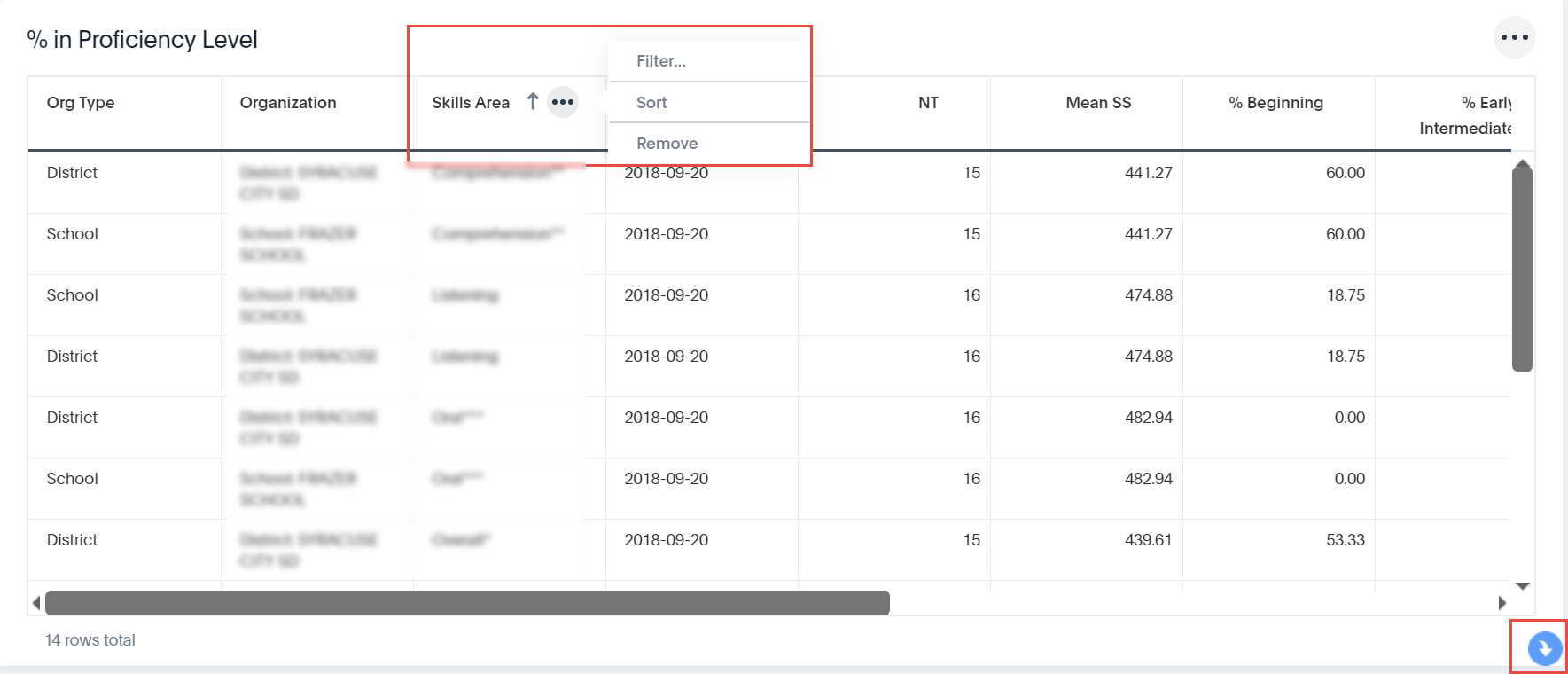
You can change the sort order of each column in a data table (one column at-a-time) and set filters at the data column level. As shown in the image below, when you click a column head, such as Skills Area, an arrow displays indicating the direction of the sort. Click again to change the sort.
When you hover your cursor over a column head, three dots display. Click those dots to display a menu of filtering and sorting options (as shown below for the Skills Area column). The menu options for sorting column data depend on the data in the column.
To remove all column sorting and filtering and return the display to the default, click the blue arrow (shown below) in the lower-right corner of the data table.