Download PDFs and Display Report Information
You can download data reports in CSV, XLSX, or PDF format and save the reports to your computer. For graphical information, you can download the report in PDF format and display information about a report (which is also called a pinboard).
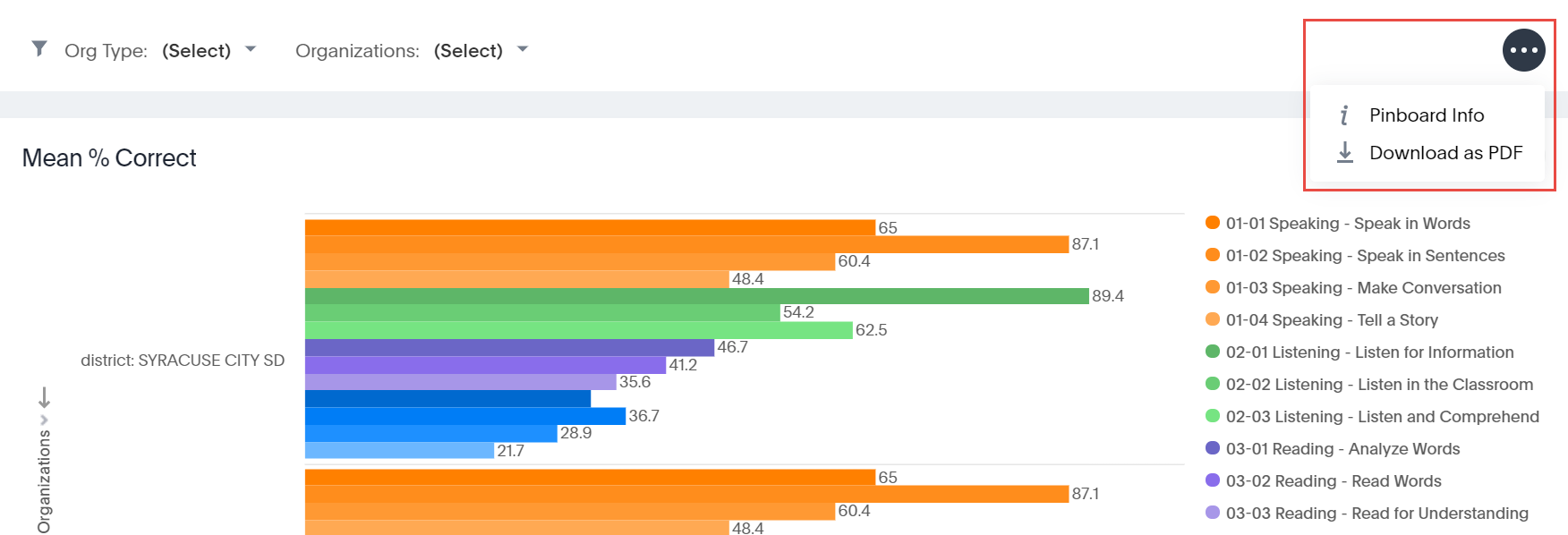
Click the 3 dots at the top of a data report to display the download options. The Download as PDF option creates a PDF of the report that you can download to your computer and print if desired.

As shown below, you can click the 3 dots at the top of a graphical report the select the Pinboard Info option, which displays information about the report: Report Name, Author, Creation Date, and Modified Date. You can download the report as a PDF as well.